Restaurant Website Essentials: Menu, Reservations and More
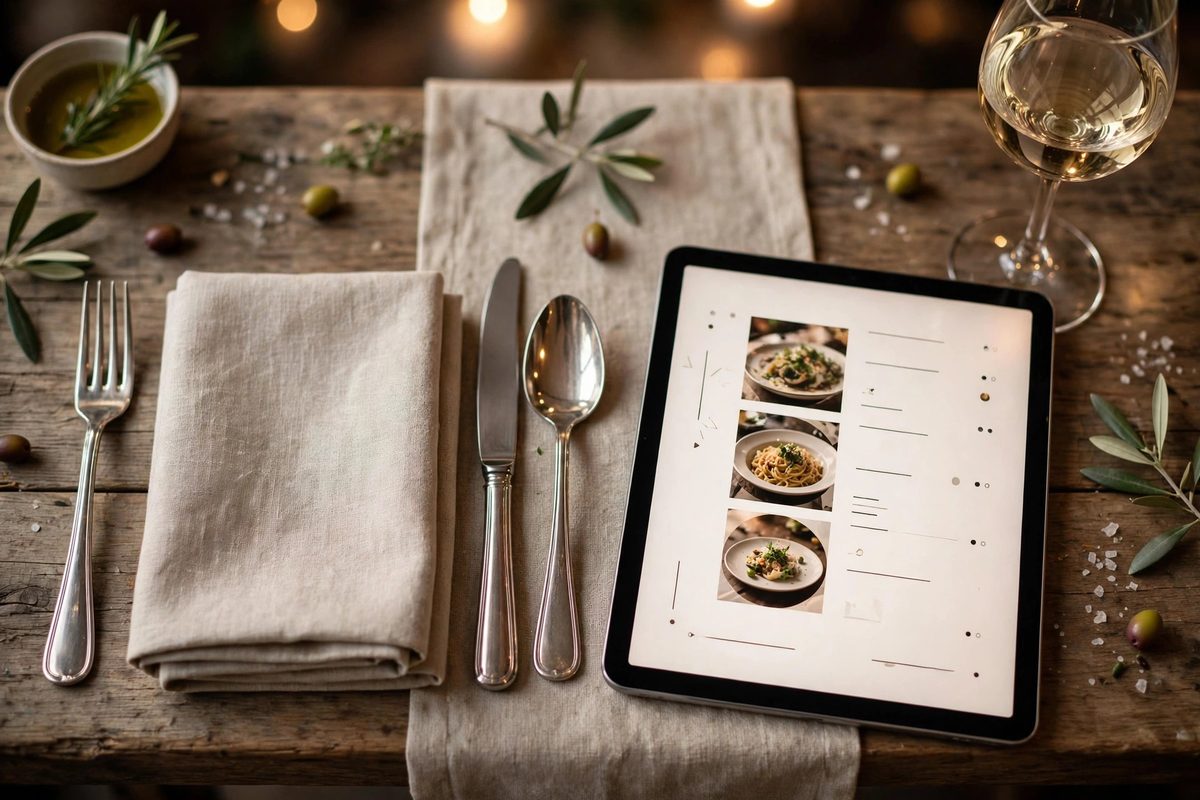
When someone decides where to eat, your restaurant website gets about thirty seconds to win them over. In that time they want to see the menu, check the hours, and figure out how to get a table. Restaurants that nail these basics fill more seats, while restaurants that hide their menu behind a PDF lose diners to the place next door.
Your Menu Must Be Readable on a Phone
The menu is the most visited page on any restaurant website, and the most commonly ruined. A scanned PDF that forces pinch-and-zoom on a phone is one of the fastest ways to lose a diner. Build the menu as real, readable web text instead: it loads instantly and lets Google index your dishes, so people searching for specific foods can find you. If you are planning the project, see how much a restaurant website costs before you start.
Organize the menu the way a diner reads it: starters, mains, desserts, drinks. Include prices on everything, mark vegetarian, vegan, and gluten-free options clearly, and flag signatures and specials. Update it the same day your printed menu changes. Nothing erodes trust faster than a diner arriving for a dish that was removed months ago.
Reservations Should Take Under a Minute
Diners now expect instant booking. Use a reservation system that shows real-time availability and confirms the table immediately, not a contact form promising a callback. Put the booking button on every page, and make sure it works flawlessly on mobile, where most reservations happen. Our guide to adding online booking covers the setup options for restaurants specifically.
Be explicit about policy: how far ahead tables can be booked, party size limits, and how large groups should inquire. If you do not take reservations, say so clearly and explain the alternative, whether that is a waitlist app or walk-ins only. Ambiguity is worse than a strict policy.
Take Online Orders Directly and Keep the Margin
If you offer takeout or delivery, your own site should take the order. Third-party apps charge commissions that eat deeply into margins, so commission-free ordering on your website protects profit on every order. Make the "Order Online" button obvious from the homepage, keep checkout to as few steps as possible, and offer mobile wallets alongside cards.
Restaurant Website Launch Checklist
Run through this checklist before you call the site done. Each item maps directly to something diners check before choosing where to eat.
- →Menu as readable web text with prices, not a PDF
- →Online reservations with instant confirmation, bookable from every page
- →Hours, address, and phone visible without scrolling
- →One-tap directions and click-to-call on mobile
- →Professional photos of signature dishes and the dining room
- →Private events and catering pages with inquiry forms
- →Reviews displayed and review profiles linked
Beyond the checklist, tell your story: who is behind the restaurant, the cooking philosophy, what makes a night at your place different. Diners choose restaurants with personality. For the words on the page, follow the principles in website content that converts rather than writing generic descriptions.
Seasonal Menus, Holiday Hours, and Staying Current
A restaurant site goes stale faster than almost any other business website, because menus change, hours shift on holidays, and special events come and go. Build a simple routine: update the online menu the same day the kitchen changes it, post holiday hours at least two weeks in advance, and remove past events promptly. Seasonal menu launches deserve their own announcement, a short post or homepage banner, because regulars check back specifically for what is new. Google also notices freshness, so a site that updates regularly tends to hold its local rankings better than one frozen in time.
Make updates easy on yourself. If changing the menu requires calling a developer, it will not happen. Use a content system your staff can edit, train one team member on the routine, and keep a short checklist taped near the host stand: menu current, hours current, events current, photos from this season. Ten minutes a month protects the reputation your food works so hard to earn.
Frequently Asked Questions
Should my restaurant menu be a PDF?
No. PDFs are hard to read on phones, slow to load, and invisible to Google search. Build the menu as regular web page text so diners and search engines can both read it easily. As a bonus, text menus let you update prices and dishes in seconds without redesigning anything.
Do I need online reservations if I am a small restaurant?
Even small restaurants benefit. Diners increasingly expect to book instantly, and reservation tools reduce no-shows with automatic reminders. If you are walk-in only, state that clearly on the site.
Is it worth taking orders on my own website instead of delivery apps?
Usually yes. Delivery apps charge significant commissions per order, while direct ordering on your site keeps the full margin and gives you the customer relationship for repeat business.
How often should I update the site?
Update the menu the day it changes, post holiday hours in advance, and review the whole site monthly as if you were a first-time visitor checking hours and booking a table.
Your site has one job: turn a hungry searcher into a seated diner. If it is not doing that, a professional consultation on the menu experience and booking flow is a good place to start.

Muhammad Usman designs and builds high-converting websites for small businesses — and writes practical guides like this one from real project experience.
Keep Reading
Real Estate Website Features That Generate Listings

What Every Dentist Website Needs in 2026

Law Firm Websites: How to Build Trust Online
Need a Website That Actually Performs?
Fixed pricing, professional build, live in weeks. Tell us about your project — free strategy call, no pressure.