How to Choose Product Photos That Increase Sales
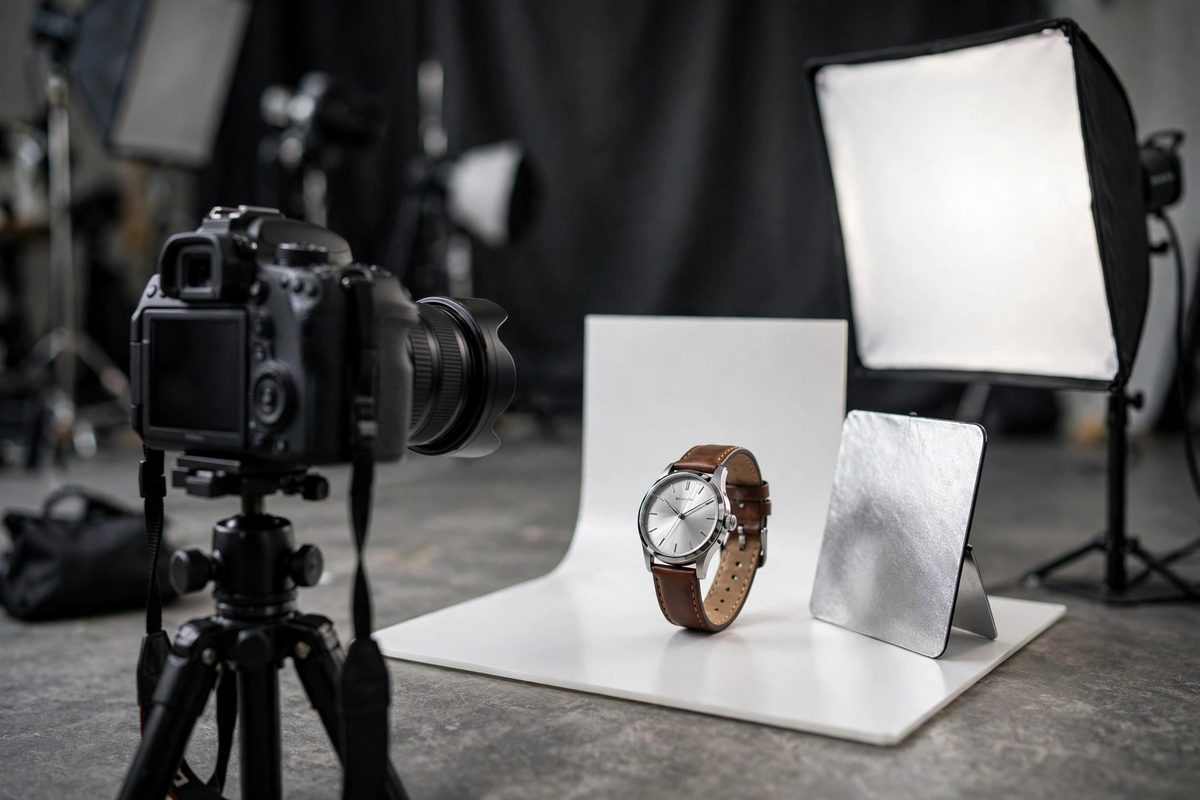
Shoppers cannot touch your products, so your photos are doing the job of a salesperson, a showroom, and a quality inspector all at once. Stores that invest in strong product photos consistently outperform stores that treat photography as an afterthought — better images mean more clicks, more confidence, and fewer returns. This guide shows you exactly which photos every product needs, how to get them on a small budget, and the mistakes that silently kill sales.
The 5 Product Photos Every Listing Needs
Every product page should include these five shot types. First, the hero shot: a clean, well-lit image on a neutral background — this is the thumbnail shoppers see in search and category pages, so make it your strongest image. Second, alternate angles: front, back, side, and top so nothing is left to the imagination. Third, lifestyle shots showing the product in real use, which sell the experience rather than just the object. Fourth, close-ups of materials, textures, and details that signal quality. Fifth, a scale shot showing the product next to a familiar object or on a person, so size is never a guessing game.
If you can only afford three, prioritize the hero shot, one lifestyle shot, and one detail close-up. Those three answer the most common buyer questions: what is it, what does it feel like to own, and is the quality real?
How to Get Great Product Photos on a Budget
You do not need a studio to start. A modern smartphone, a large window for natural light, and a $20 white backdrop or sweep are enough for clean, professional-looking images. Shoot in soft, indirect daylight — never harsh direct sun or yellow indoor bulbs — and keep your framing and background consistent across your whole catalog so the store looks cohesive.
For lifestyle shots, use your actual environment: a kitchen, a desk, outdoors. Authentic settings outperform fake-looking stock scenes because shoppers can picture the product in their own lives. When you are ready to level up, a professional shoot ($300–$500 for a small catalog) pays for itself quickly on higher-converting pages. Either way, compress every image before uploading — our image optimization guide shows how to keep pages fast without losing quality.
Product Photo Mistakes That Cost You Sales
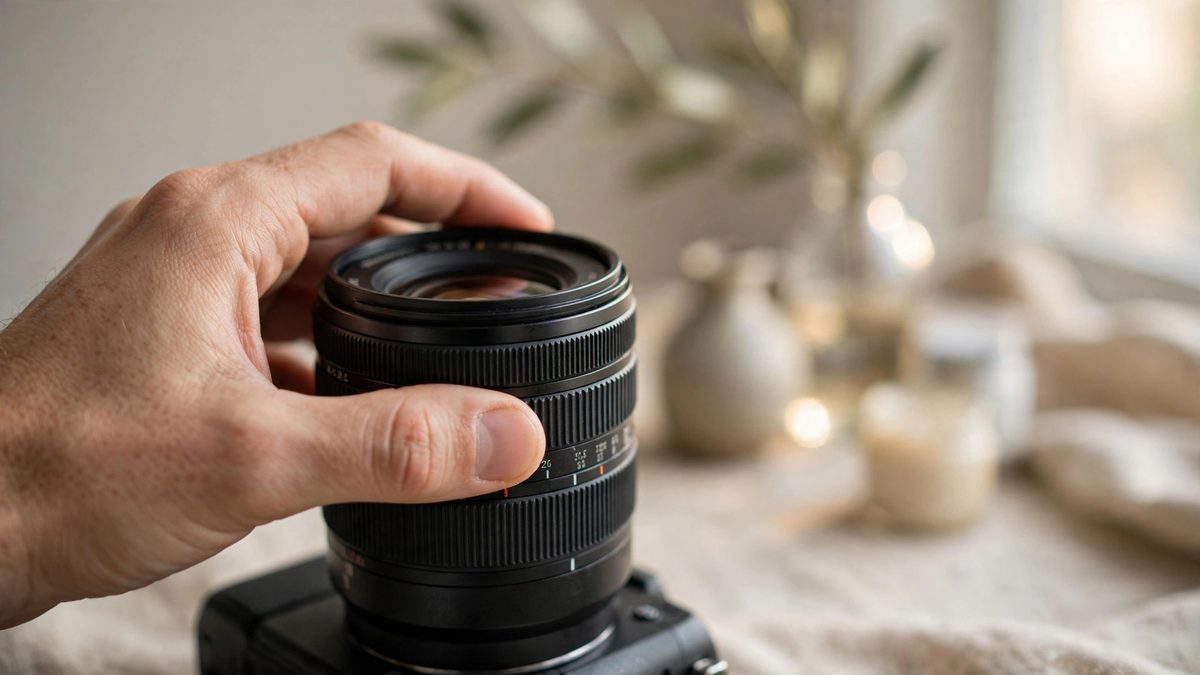
The most common mistakes are all avoidable. Inconsistent backgrounds and lighting across products make a store look amateur. A single photo per product forces shoppers to guess about details they cannot see. Misleading scale — a product that looks large in photos but arrives tiny — drives returns and angry reviews. And cluttered, busy lifestyle shots where the product gets lost defeat the purpose entirely.
Also watch your file sizes: beautiful 5MB photos that take six seconds to load will cost you more sales than they earn. Aim for crisp images under 200KB each. These details compound — strong photos are a core part of product page optimization, and pages with complete photo sets convert measurably better.
- →Do: shoot in natural light, keep backgrounds consistent, show scale, compress files.
- →Don't: use one photo, mix lighting styles, mislead on size, or upload multi-megabyte files.
- →Minimum set: hero shot + lifestyle shot + detail close-up, then expand to five.
Consider adding short product videos for your most important items. A 15–30 second clip showing the product from all sides, in use, and next to a familiar object answers the questions static photos cannot — how it moves, how it sounds, how it works. You do not need professional video gear; a steady phone shot in good natural light is enough. Place the video first in your gallery on mobile, where shoppers engage with video most, and keep it under 30 seconds so it loads quickly and holds attention through to the buy button.
When to Hire a Professional Photographer
DIY works for launching, but consider a pro when your bestsellers deserve better, when you are shooting reflective or complex products (jewelry, glass, apparel on models), or when inconsistent DIY shots are making your catalog look uneven. A good product photographer brings lighting, styling, and consistency you cannot easily replicate — and the resulting images get reused across your site, ads, and social media for years.
Start with your top ten products: better photos there pay back fastest. If you would like help planning a full visual upgrade for your store, a professional consultation can prioritize exactly where photography will move the needle most.
Revisit your photography at least once a year. Styles change, your skills improve, and new products deserve the same quality bar as your bestsellers. A seasonal refresh of hero shots — especially before the holiday shopping period — keeps the whole catalog looking current and gives you fresh creative for ads and social media at the same time.
Frequently Asked Questions
How many product photos should I have per product?
Five is the sweet spot: hero shot, alternate angles, lifestyle shot, detail close-up, and scale reference. At minimum, have three — hero, lifestyle, and detail.
Can I use my phone for product photography?
Yes. A modern smartphone with natural window light and a simple backdrop produces perfectly good shots for most stores. Consistency matters more than camera price.
What background is best for product shots?
Clean white or light neutral for hero shots, so the product stands out and thumbnails look consistent. Use real environments for lifestyle shots.
Do product photos affect SEO?
Yes. Descriptive file names and alt text help images rank in image search, which drives real traffic for visual products. Fast-loading, compressed images also help page speed, a ranking factor.

Muhammad Usman designs and builds high-converting websites for small businesses — and writes practical guides like this one from real project experience.
Keep Reading

How to Price Products for Your Online Store
Upselling and Cross-Selling Techniques for Online Stores

How to Handle Shipping on a Small E-Commerce Site
Need a Website That Actually Performs?
Fixed pricing, professional build, live in weeks. Tell us about your project — free strategy call, no pressure.